Pesquise algo no blog

Mostrando postagens com marcador Start Apache.. Mostrar todas as postagens

segunda-feira, 26 de janeiro de 2015

Capire come abilitare Apache su MacBook con OS X Yosemite!

Como le versioni precedenti del sistema operativo che viene installato con il MacBook, OS X Yosemite ha già preinstallato Apache.


In questo tutorial vi dimostrare i passi necessari per avviare Apache su MacBook.

Giusto per fare in modo Apache non è esecuzione, andare al browser e digitare http://localhost/
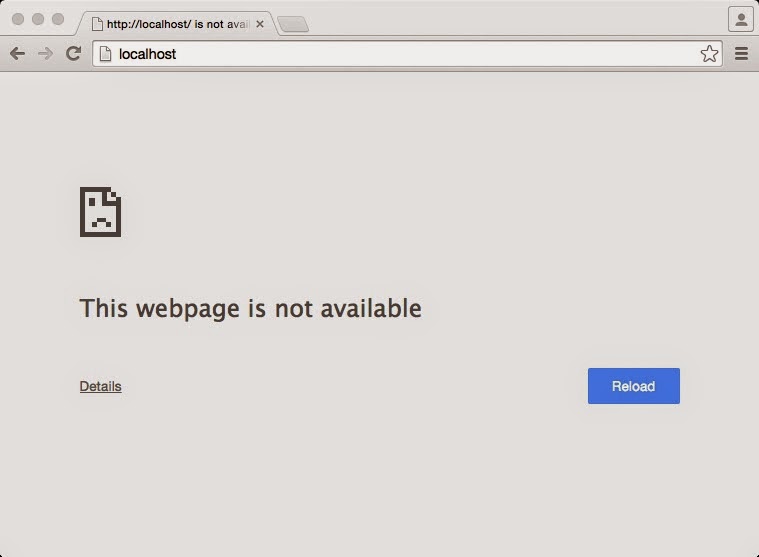

La figura che apache non è ancora in esecuzione, se viene visualizzato il messaggio It's Works, il tuo MacBook è già con il server che esegue Apache.

Per avviare il server Apache, la procedura è simile per gli utenti che hanno una certa esperienza con il sistema Linux, seguire i seguenti passi:

Passe 1 - Andare al terminale.


È necessario immettere il comando sudo apachectl start. É richiesta la password di amministratore. Dopo che il server Apache è già in esecuzione.

Per confermare, accedere all browse e andare a http://localhost/.


Ora sei con Apache in esecuzione su MacBook o MacBook Air con OS X Yosemite installato.

Nel prossimo tutorial vi spiegherà como configure il servizio PHP.

Grazie a tutti e arrivederci a presto.


Enabling Apache on MacBook with OS X Yosemite.

Like previous versions of the operating system that comes installed with the MacBook's, OS X Yosemite already has Apache preinstalled.


In this tutorial I will demonstrate the necessary steps to start Apache on MacBook.

Just to make sure Apache is not running, go to browser and type http://localhost/.


The picture above tells that Apache is not running yet, if you see the message It's Works, your MacBook is already with the Apache server running.

To start the Apache server, the procedure is similar to users who have some experience with Linux system, follow the steps below:

Step 1 - Go to the terminal


Step 2 - Type sudo apachectl start command.

You must enter sudo apachectl start command. The administrator password is required. After that the Apache server is already running.

Step 3 - Make sure Apache is running.

To confirm, access the browser and go to http://localhost/.


You are now with Apache running on MacBook or MacBook Air with OS X Yosemite.

In the next tutorial I will explain how to configure the PHP service.

Cheers!


Mostrando postagens com marcador Start Apache.. Mostrar todas as postagens

segunda-feira, 26 de janeiro de 2015

Capire come abilitare Apache su MacBook con OS X Yosemite!

Como le versioni precedenti del sistema operativo che viene installato con il MacBook, OS X Yosemite ha già preinstallato Apache.


In questo tutorial vi dimostrare i passi necessari per avviare Apache su MacBook.

Giusto per fare in modo Apache non è esecuzione, andare al browser e digitare http://localhost/


La figura che apache non è ancora in esecuzione, se viene visualizzato il messaggio It's Works, il tuo MacBook è già con il server che esegue Apache.

Per avviare il server Apache, la procedura è simile per gli utenti che hanno una certa esperienza con il sistema Linux, seguire i seguenti passi:

Passe 1 - Andare al terminale.


È necessario immettere il comando sudo apachectl start. É richiesta la password di amministratore. Dopo che il server Apache è già in esecuzione.

Per confermare, accedere all browse e andare a http://localhost/.


Ora sei con Apache in esecuzione su MacBook o MacBook Air con OS X Yosemite installato.

Nel prossimo tutorial vi spiegherà como configure il servizio PHP.

Grazie a tutti e arrivederci a presto.


Enabling Apache on MacBook with OS X Yosemite.

Like previous versions of the operating system that comes installed with the MacBook's, OS X Yosemite already has Apache preinstalled.


In this tutorial I will demonstrate the necessary steps to start Apache on MacBook.

Just to make sure Apache is not running, go to browser and type http://localhost/.


The picture above tells that Apache is not running yet, if you see the message It's Works, your MacBook is already with the Apache server running.

To start the Apache server, the procedure is similar to users who have some experience with Linux system, follow the steps below:

Step 1 - Go to the terminal


Step 2 - Type sudo apachectl start command.

You must enter sudo apachectl start command. The administrator password is required. After that the Apache server is already running.

Step 3 - Make sure Apache is running.

To confirm, access the browser and go to http://localhost/.


You are now with Apache running on MacBook or MacBook Air with OS X Yosemite.

In the next tutorial I will explain how to configure the PHP service.

Cheers!